
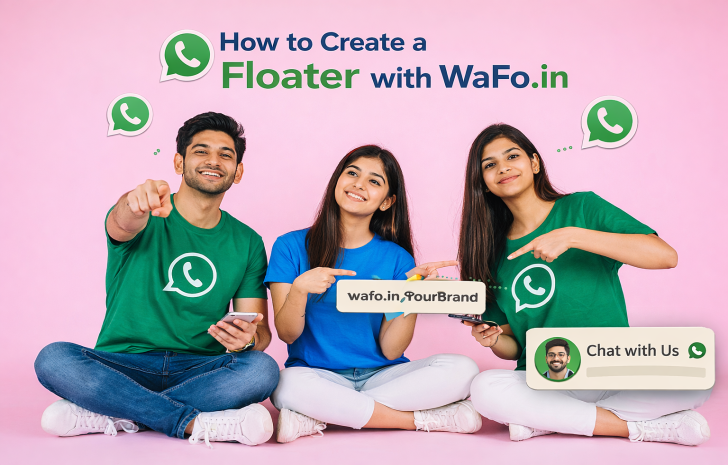
A website visitor may like your service—but if they don’t know how to contact you instantly, you lose the lead. This is where a WhatsApp floater becomes extremely powerful. A floater stays visible on your website and allows visitors to start a WhatsApp chat with just one click.
With Wafo.in, you can create a WhatsApp floater easily, without coding or technical knowledge. In this guide, you’ll learn what a floater is, why it’s important, and how to create one using Wafo.in.
A WhatsApp floater is a small floating chat button that appears on your website—usually at the bottom right corner. When someone clicks on it, a WhatsApp chat opens instantly with your business.
It works 24/7 and makes contacting you effortless.
From real experience, websites with WhatsApp floaters convert better because they remove friction.
Instant customer communication
No form filling required
Higher lead conversion
Better user experience
Works on mobile & desktop
If WhatsApp is part of your business communication, a floater is a must-have.
Wafo.in makes floater creation simple and fast.
No coding required
Free and easy to use
Clean WhatsApp-style design
Works on all websites
Fast loading and lightweight
You don’t need a developer—just copy and paste.
Open the Wafo.in website in your browser.
Add your WhatsApp number with the correct country code (for India, +91).
Example:
Hi, I’m visiting your website and would like more information.
This helps start conversations smoothly.
Select the floater option and generate the code or link provided by Wafo.in.
Copy the generated code and paste it before the </body> tag of your website.
That’s it—your WhatsApp floater is now live.
A WhatsApp floater is one of the easiest ways to turn website visitors into real conversations. With Wafo.in, you can create and add a floater to your website in minutes—no technical skills required.
If you want more inquiries, better engagement, and instant customer communication, start using a WhatsApp floater with Wafo.in today.